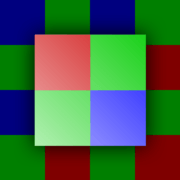
 RAW Experience
See what a camera sensor sees
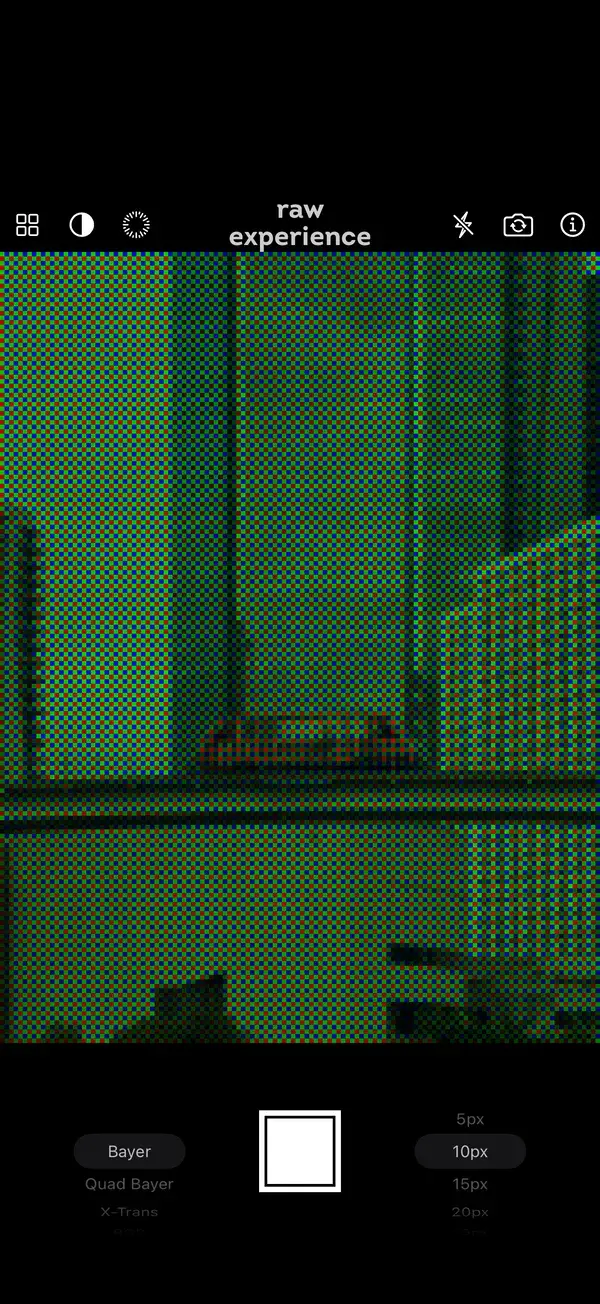
RAW Experience runs your iPhone’s live camera through a simulated color filter. You see the raw mosaic of red, green and blue dots a sensor records, then the full-color picture demosaicing rebuilds from it.

Free · iPhone with iOS 15 or later · English and Ukrainian

How a sensor sees color
Every digital camera, from a laptop webcam to an iPhone or a professional camera, starts the same way.
-
Light, not color
A sensor is a grid of millions of light-sensitive elements. Each one measures how much light falls on it, but not its color.
-
A filter on every element
To get color, each element sits under a tiny filter that passes only red, green or blue. So the raw image is a mosaic of single-color dots.
-
Demosaicing
The camera fills in the two missing colors of every pixel from its neighbors. It’s a good guess, but not a perfect one: look for color fringes on fine edges and moiré on fine patterns.
Try it here
A simplified version of what the app does to the camera, right in your browser. Pick a pattern, change the pixel size and switch demosaicing on and off.
Nine color filters
From the Bayer filter in every iPhone to the experiments of early digital cameras.
-
Bayer (RGGB)
The most popular filter, used in iPhone cameras. Named after its inventor, Bryce Bayer.
-
Quad Bayer
An enlarged Bayer, each color patch split into 4 elements. Used in the 48MP main camera of iPhone 14 Pro and later.
-
X-Trans
Fujifilm’s filter: more green and a less regular layout, designed to resist color moiré.
-
CYGM
Cyan, yellow, green and magenta, for more accurate brightness. Used in early Nikon and Canon cameras.
-
CYYM
Cyan, yellow, yellow and magenta. Used in a few Kodak DSLRs.
-
RGBE
Sony’s red, green, blue and emerald, from some of its early digital cameras.
-
RGBW Pro
Red, green, blue and white. The clear element passes light of any color, for higher sensitivity.
-
RYYB Pro
Red, yellow, yellow and blue, for more light in the dark. Used in the Huawei P30 series.
-
RGB
The full-color picture with no filter losses, for comparison.
In the app
Bayer mosaic 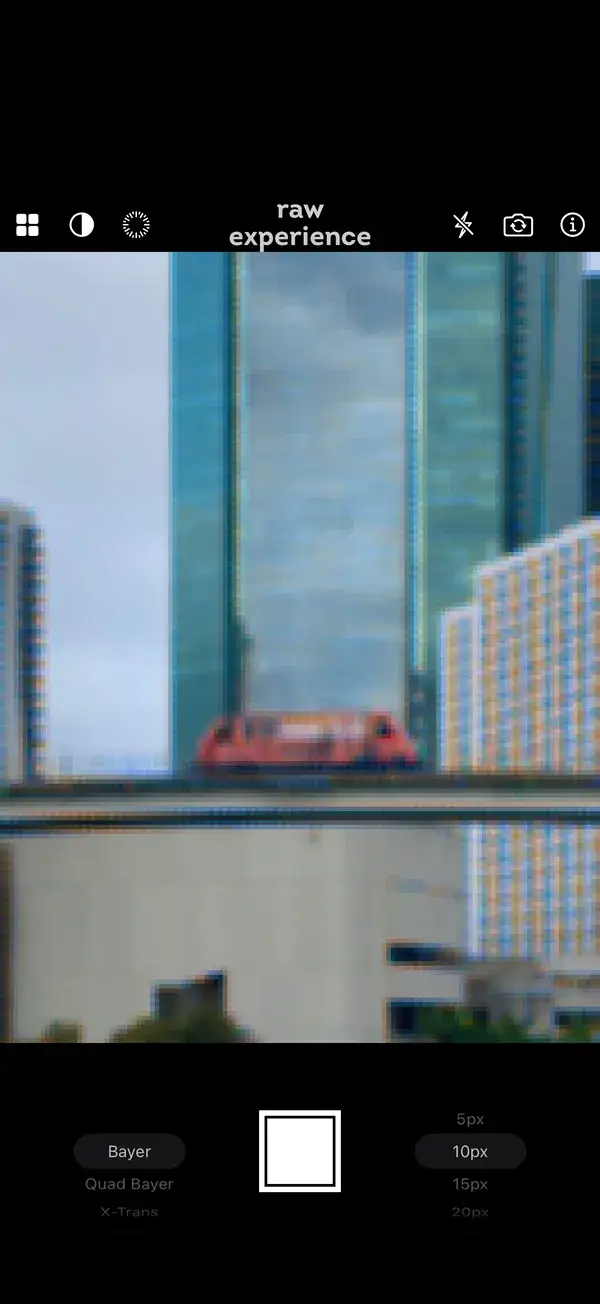
Demosaiced 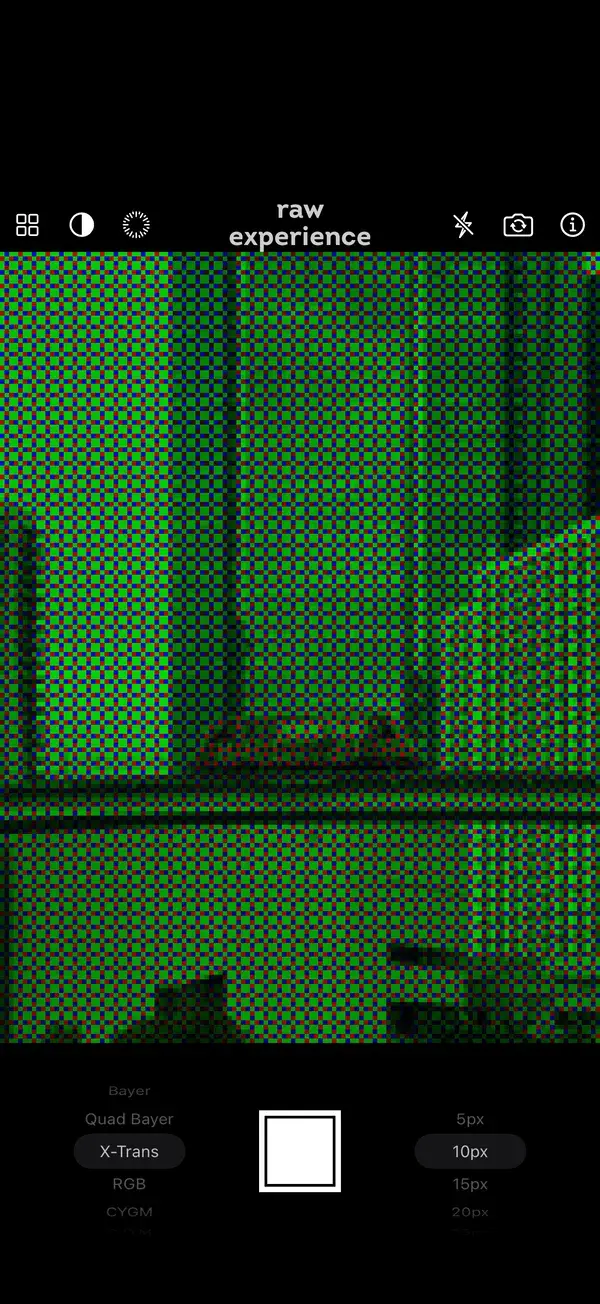
X-Trans mosaic 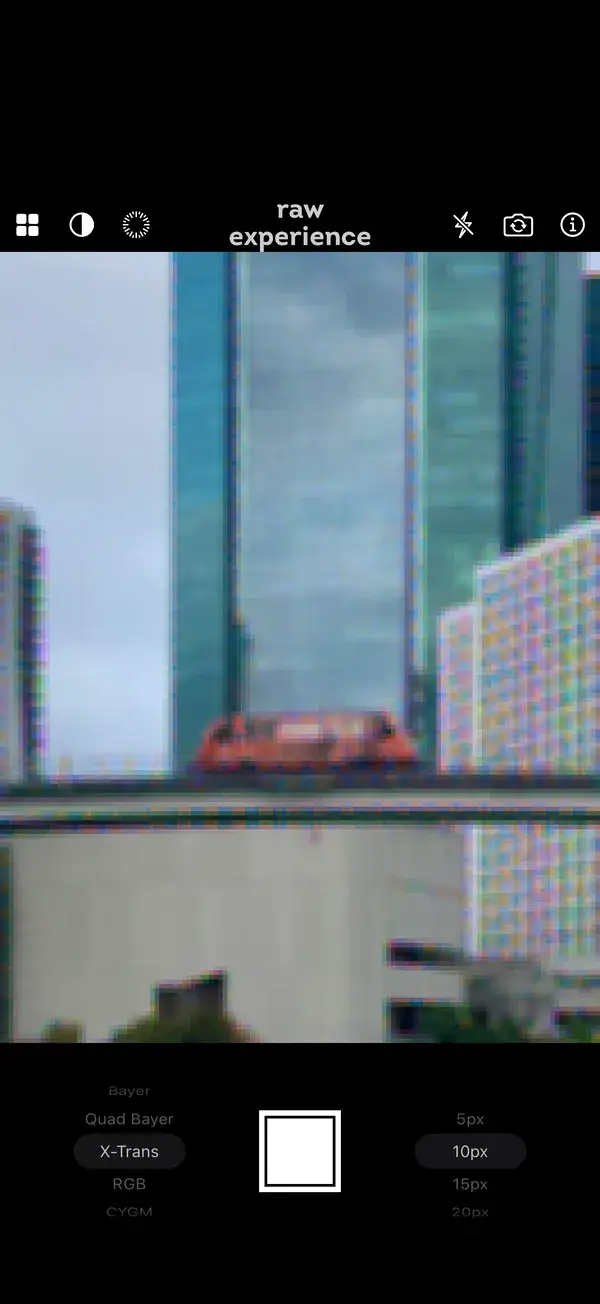
X-Trans demosaiced 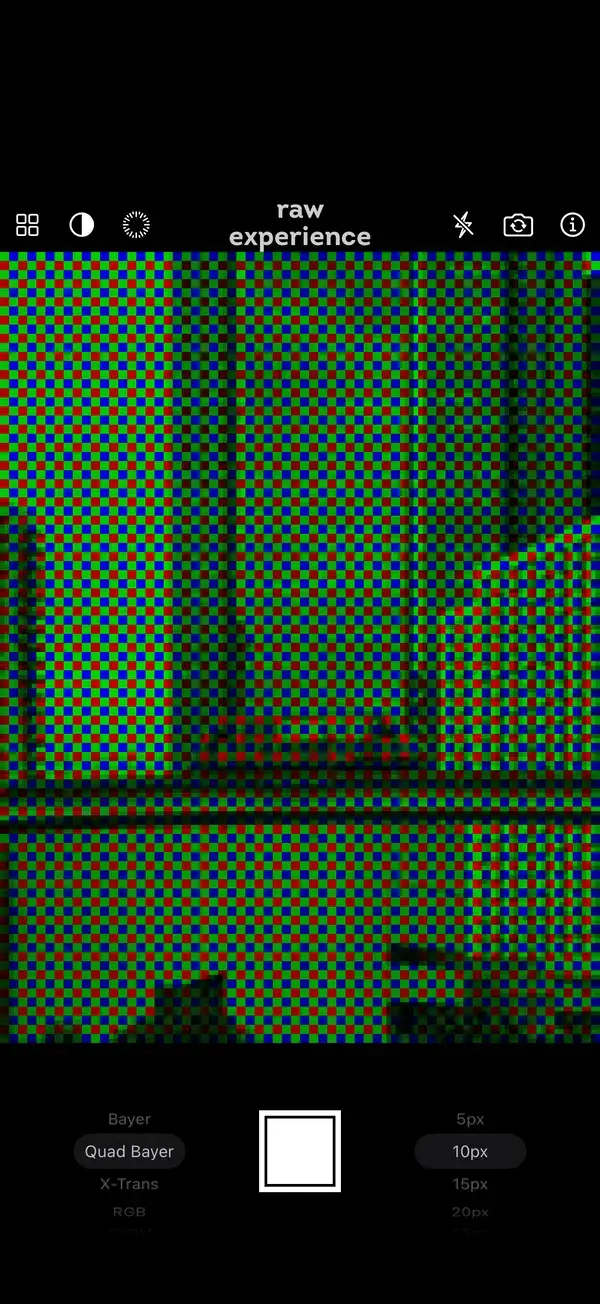
Quad Bayer 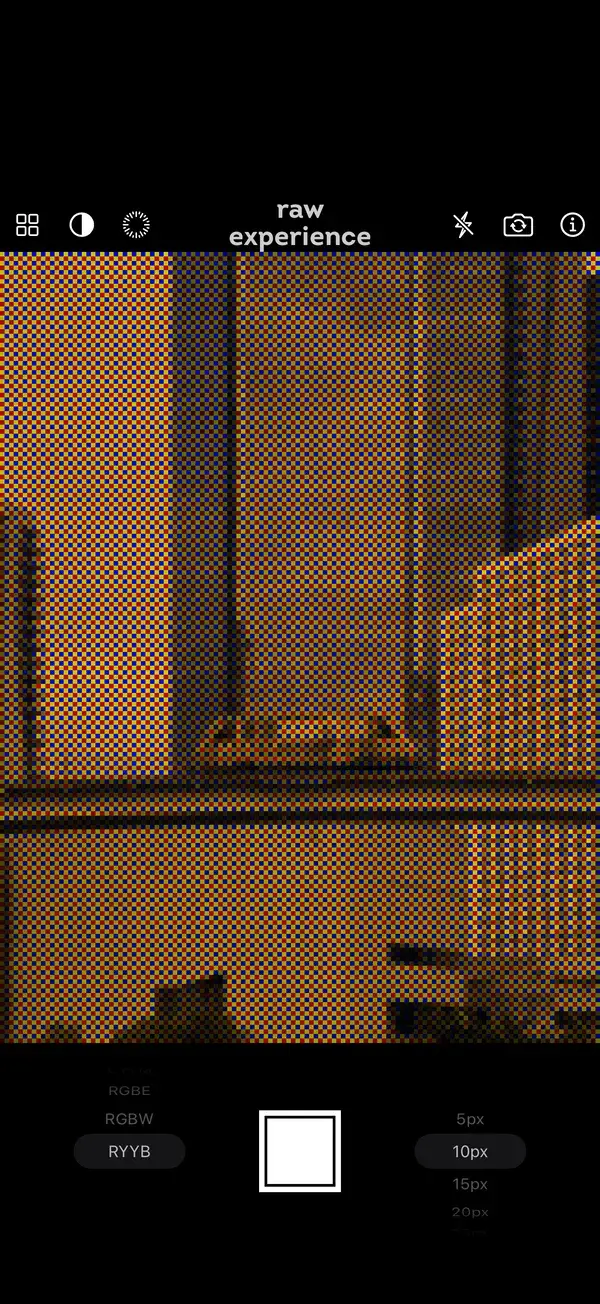
RYYB 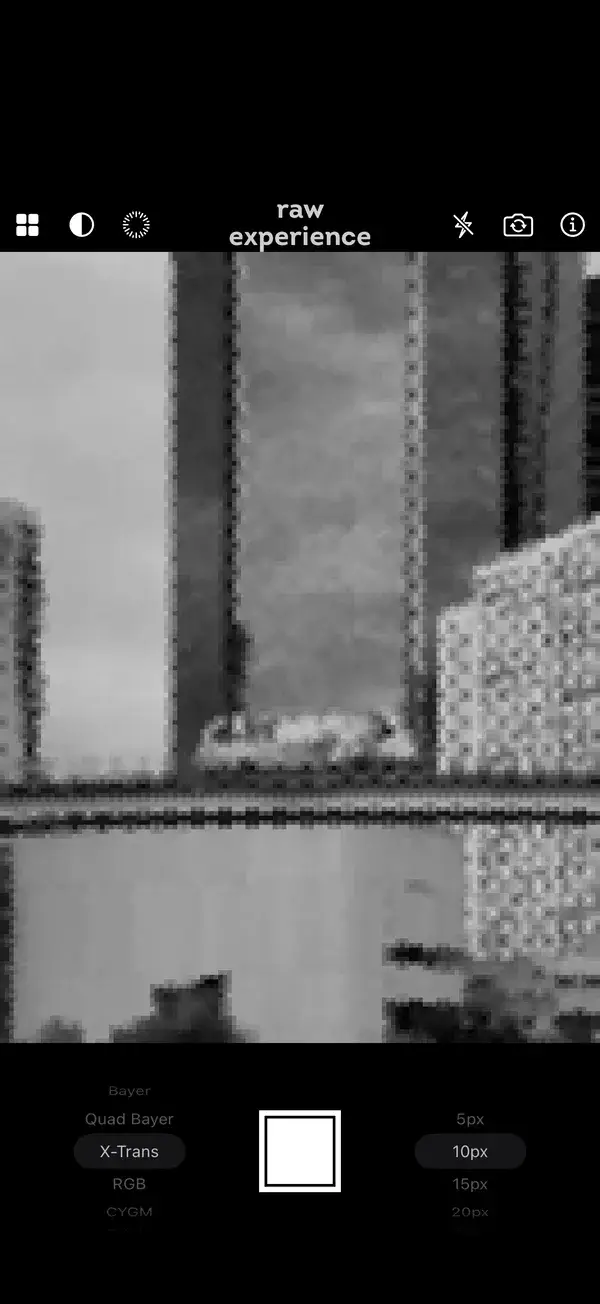
Grayscale 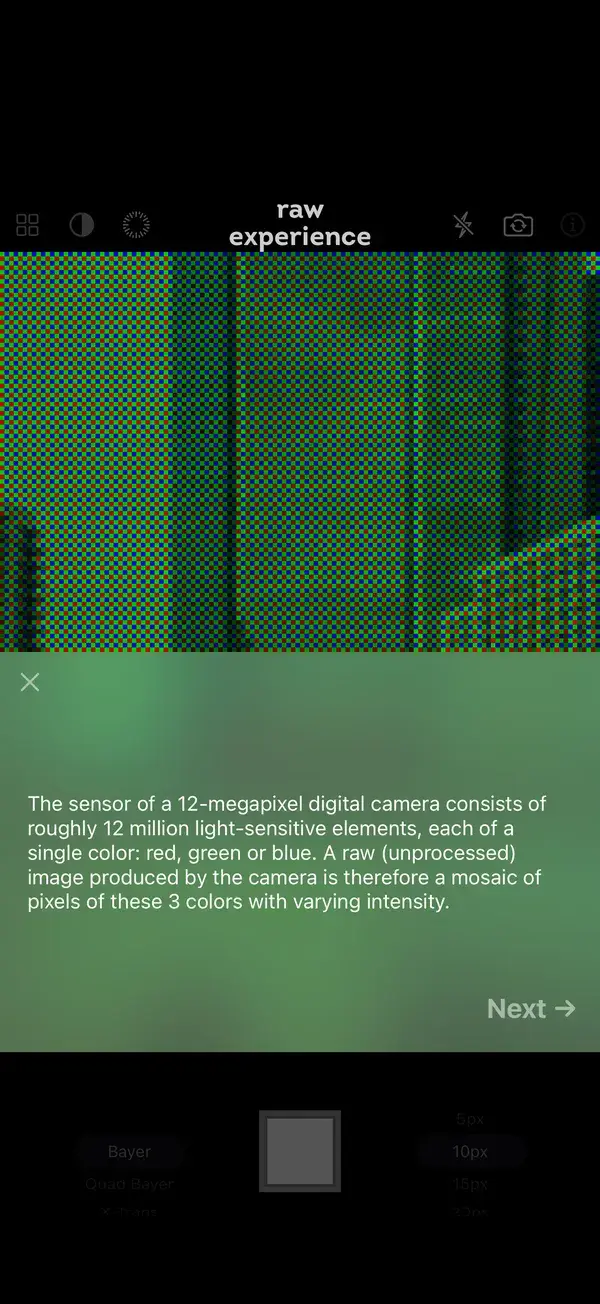
How sensors work 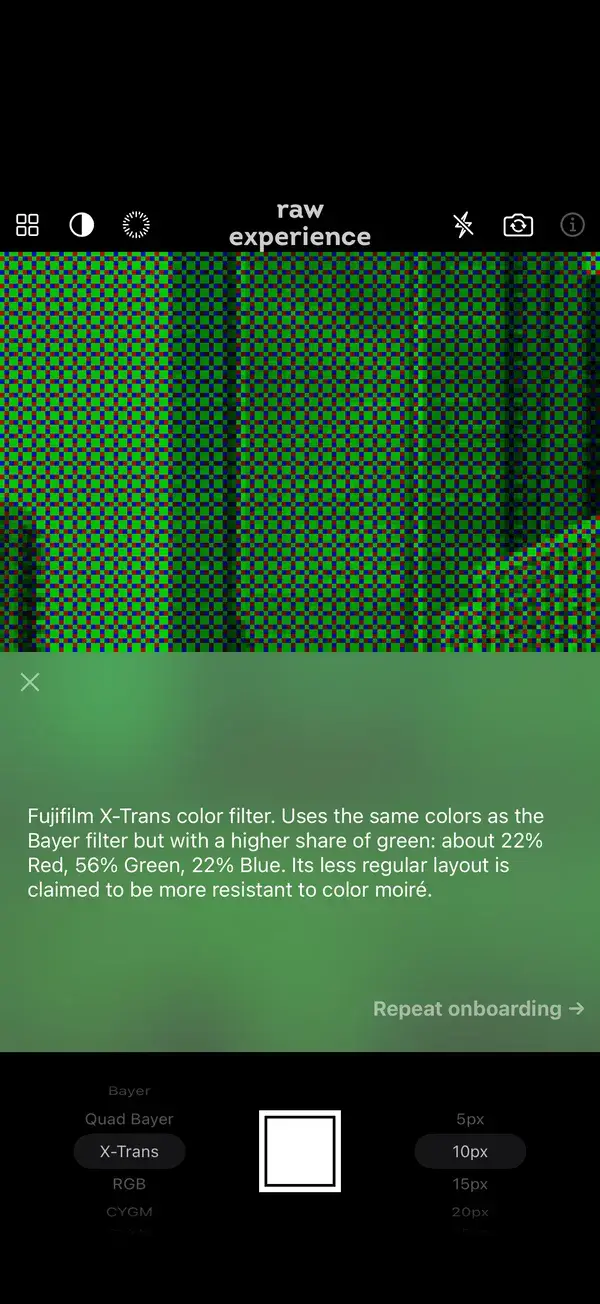
A note on every pattern
A camera, too
- Take photos with the filter applied. They’re saved to a “RAW Experience” album in Photos.
- Use the back or the front camera.
- Flash: the torch for the back camera, a white screen for selfies.
- Long exposure of 1, 3 or 10 seconds, or hold the shutter for as long as you like.
- Shoot with the volume buttons, or with the Camera Control on iPhone 16 and later, which also picks the pattern and the pixel size.
- An introduction to how image sensors work, and a note on every pattern.
RAW Experience Pro
Every feature and seven patterns are free. A one-time Pro purchase unlocks RGBW and RYYB, and supports the app’s development.
Support
Questions, ideas or a bug to report? Write to [email protected].
Privacy Policy
Last updated November 3, 2026
RAW Experience doesn’t need an account and doesn’t collect personal data.
Camera and photos
The camera image is processed on your iPhone and never leaves it. Photos you take are saved only to the “RAW Experience” album in your photo library. If you use iCloud Photos, Apple syncs them like any other photo.
Usage statistics
The app uses Google Firebase Analytics to count how it’s used: which patterns and pixel sizes are picked, the demosaic and grayscale switches, the introduction and the Pro purchase. These events come with a random identifier of the app installation. They aren’t linked to you and aren’t used for tracking or advertising. See Firebase’s privacy information.
Purchases
Apple processes the Pro purchase. The developer doesn’t receive your name or payment details.
This website
This website uses Google Analytics to count visits, and it sets cookies for that. You can block them in your browser and the site works just the same. Photos you try in the demo are processed in your browser and aren’t uploaded.
If you write to support, your address and message are used only to reply to you and aren’t shared with anyone.
Changes
If this policy changes, the new version will be published on this page. Questions: [email protected].